




Getting traffic to a new blog is a sequence of practical jobs, not one switch to turn on. First, search engines and people need a path to your pages. Then readers need a reason to choose your answer. Finally, you need enough evidence to tell whether a problem is technical, topical, or simply early-stage.
Start with the traffic model
Traffic can come from direct visits, referrals, email, communities, social platforms, and search. Google traffic is only one channel, and it usually follows discovery, crawling, indexing, and ranking. Those terms are related but not interchangeable.
| Stage | What it means | What you can check |
|---|---|---|
| Discovery | Google finds a URL through links or a sitemap. | Internal links and sitemap coverage |
| Crawling | Googlebot retrieves the page. | URL Inspection and server accessibility |
| Indexing | Google may add a version to its index. | Page Indexing and URL Inspection |
| Ranking | The page may appear for relevant searches. | Search Console impressions and queries |
| Traffic | A searcher chooses the result and visits. | Search Console clicks and analytics |
Good to know
Indexing is useful, but it is not a promise of rankings or visits.
- Check the URL’s index status before changing strategy.
- Use Search Console clicks and impressions as search signals.
- Use analytics to understand on-site behaviour.
Best strategy: diagnose the stage before trying to fix it.
Set up measurement before promotion
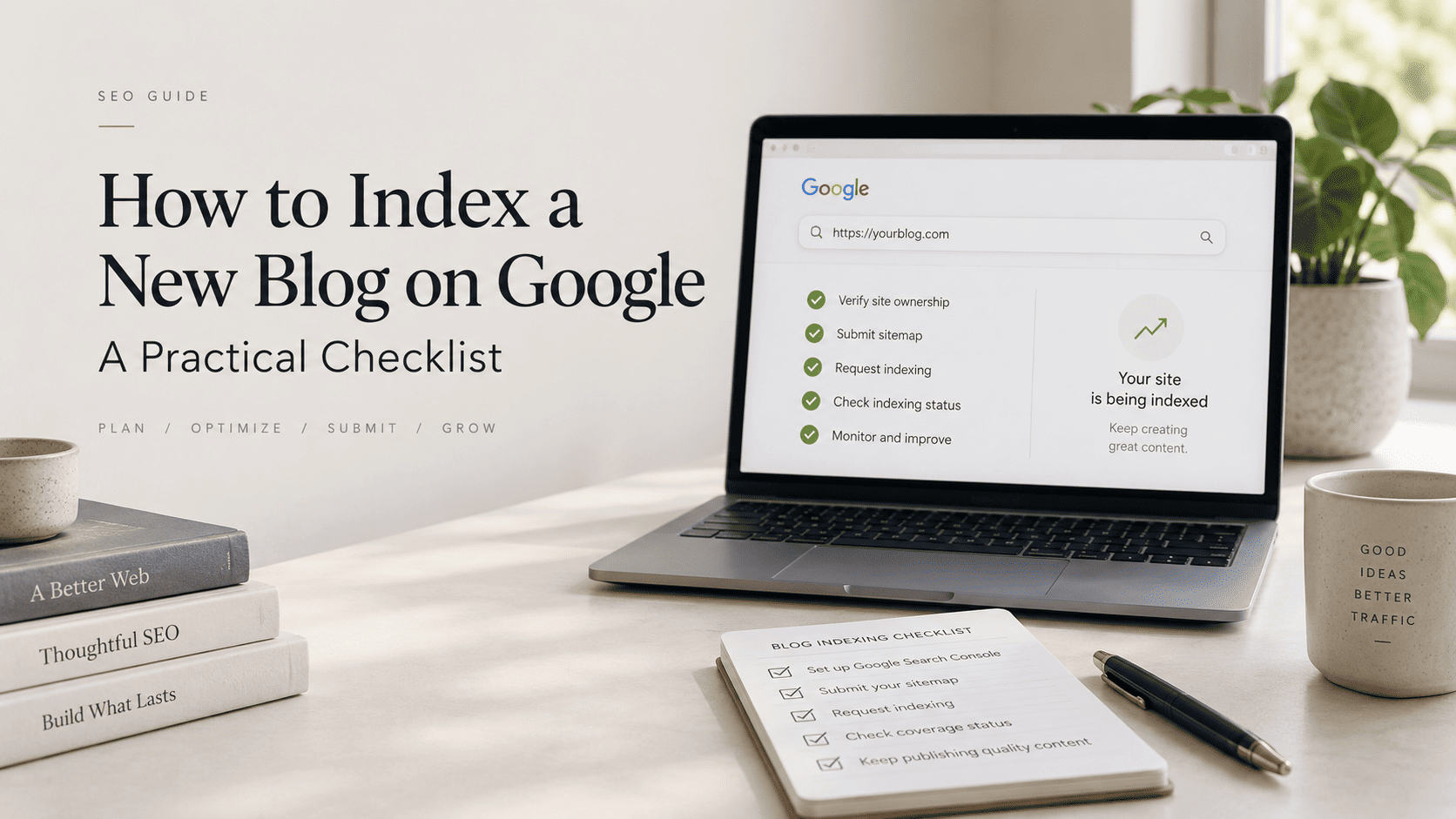
Verify your site in Google Search Console, submit the sitemap your CMS generates, and inspect an important published URL. Google’s documentation says a sitemap helps it learn about URLs but does not guarantee indexing. For a single new or updated page, URL Inspection can request indexing after the page passes a basic check; submitting many URLs is better handled through a sitemap.
Keep Search Console and your analytics platform separate in your head. Search Console is the source of truth for Google Search clicks, impressions, queries, and pages. Analytics describes behaviour after a visitor arrives. Their totals need not match exactly.
Indexing guide: Follow the dedicated checklist when a page needs a discovery, crawling, or indexation diagnosis.
Make pages easy to find and understand
Publish a small group of connected articles around one reader problem. Give every new article a descriptive URL, a specific title, a clear first answer, and contextual links from relevant pages. Confirm that the canonical URL is the version you want indexed, that the page is not marked noindex, and that robots rules do not block important resources.
A new site does not need dozens of thin posts. It needs a useful starting set that gives a reader a reason to continue. Write the page that answers the narrow question first, then use supporting pages to answer the next question. This improves navigation for people and gives crawlers pathways through the site.
Build early distribution loops
Distribution is not link dumping. Choose one or two places where the intended readers already ask relevant questions. Turn a useful part of a post into a platform-native answer, then link only when the complete article genuinely helps. Email existing contacts only when the topic matters to them. Ask people mentioned in a resource to review or share it only when they have a real connection to the material.
Referral visits can validate whether a topic earns attention, but they do not guarantee a Google ranking. Record the source, the article promoted, visits, engaged sessions, and reader responses. Reuse the pattern that brings qualified readers rather than chasing raw visit counts.
Distribution guide: Use the focused workflow to turn each article into useful, channel-native outreach.

A practical 90-day roadmap
| Period | Primary work | Evidence to review |
|---|---|---|
| Days 0–30 | Verify Search Console, submit sitemap, publish foundational pages, add contextual internal links. | Indexability, sitemap status, URL Inspection results |
| Days 31–60 | Publish supporting answers and test focused distribution. | Impressions, referrals, engaged visits, reader questions |
| Days 61–90 | Improve pages showing early impressions and strengthen useful topical connections. | Query patterns, page groups, conversion or engagement signals |
Good to know
This roadmap is a planning tool, not a Google timeline or traffic guarantee.
- Prioritize fixed technical problems first.
- Publish for a defined audience question.
- Review evidence before increasing output.
Best strategy: build a repeatable publishing and measurement loop.
Timeline guide: Review realistic 0–90 day milestones and the evidence worth tracking at each stage.

When a new blog receives no Google traffic
Start with one URL rather than guessing. Inspect it in Search Console. Check whether it is accessible, canonical, indexable, included in the sitemap, and linked from another crawlable page. If it is indexed but has no impressions, revisit the query it answers and the usefulness of the page. If it has impressions but few clicks, compare the title and snippet with the query intent before rewriting the entire article.
Do not treat a lack of early visibility as proof of a Google Sandbox. “Google Sandbox” is industry terminology, not a documented Google system. A new site can have limited visibility for many ordinary reasons: it has little content history, few discoverable pages, competitive topics, limited audience signals, or unresolved technical issues.
Diagnostic guide: Check the evidence behind the Google Sandbox label before assuming a hidden timer.

What to expect next
There is no universal date when a new blog starts receiving Google traffic. Google explains that crawling and indexing take time and depend on many factors. Work in short cycles: publish a useful page, make it discoverable, inspect it, distribute it where relevant, and review the evidence. The linked guides in this cluster cover indexing, timelines, distribution, and the Google Sandbox question in more depth.