

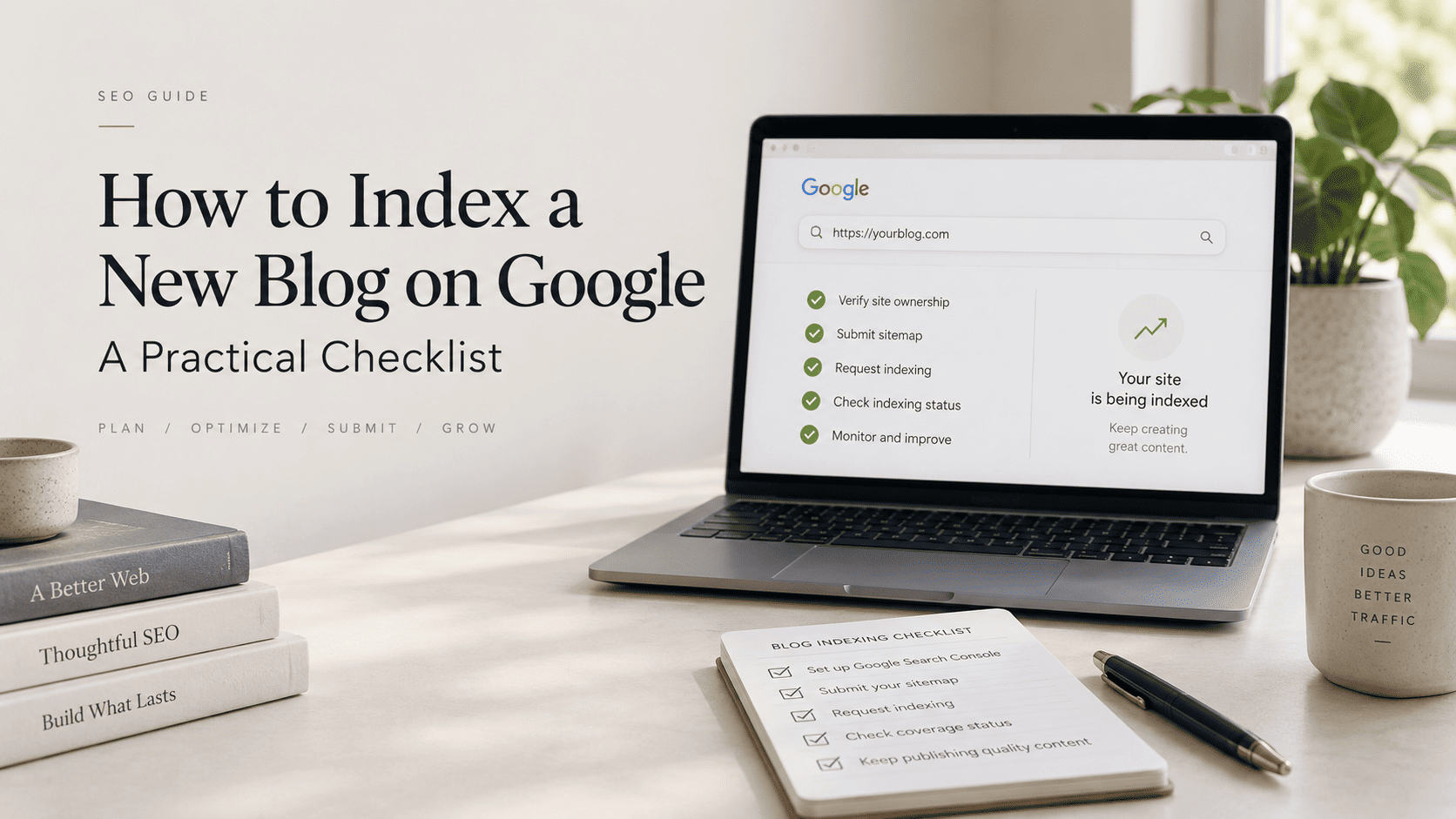


To index a new blog on Google, separate four steps that are often confused: discovery, crawling, indexing, and ranking. Google needs to find a URL before it can decide whether to fetch it. It needs to fetch a usable page before it can decide whether to index it. An indexed page can still receive little traffic if it is not the best match for a query.
A sitemap submission or an indexing request can help Google discover a page or prompt review, but neither guarantees indexing or rankings. The productive approach is to make the page accessible, distinct, and easy to reach through the site, then use Search Console to diagnose the actual state.
Understand the indexation pipeline
| Stage | What Google needs | What you can check |
|---|---|---|
| Discovery | A path to the URL | Sitemap and internal links |
| Crawling | Permission and a fetchable page | Robots rules and server response |
| Indexing | A useful accessible page | URL Inspection status |
| Ranking | Relevance among candidates | Search Console performance |
Good to know
These are separate decisions. A successful request does not promise the later stages.
- Use a sitemap to list canonical URLs.
- Use inspection for one important page.
- Fix access or quality problems before resubmitting.
Best strategy: make the page easy to discover, fetch, understand, and navigate.
Prepare the page before requesting indexing
Publish a complete article on a stable canonical URL. Give it an accurate title, a clear main topic, and a useful opening. Confirm the page is not behind a login, does not carry an unintended noindex directive, and is not blocked by robots.txt. A page that changes URL or topic repeatedly creates unnecessary ambiguity.
Give every article a distinct job. A supporting page about indexation should explain the technical workflow; it should not simply repeat a pillar’s traffic roadmap with a few keyword substitutions. Avoid publishing near-duplicate pages for slight phrase variations. Instead, add missing explanation, examples, and clear next steps to one strong page.
Set up Search Console and your sitemap
- Verify the site property in Google Search Console.
- Locate the XML sitemap that lists canonical blog URLs.
- Submit that sitemap in Search Console.
- Inspect the exact new article URL.
- Read the inspection result before requesting indexing.
- Request indexing only after the page is ready.
- Return later to review the result, not to send repeated requests.
Sitemaps are best for a set of URLs. URL Inspection is better for investigating a specific page. If an important URL is missing from the sitemap or has no internal path, correct that first. If the inspection report identifies an access problem, solve the reported problem instead of changing unrelated title tags or creating a new copy of the article.
Use internal paths that help readers
Google can discover pages through links, and readers also need a route to the next useful answer. Link from a category, pillar, or related guide using descriptive language that matches the reader’s task. For this cluster, the traffic pillar provides the 90-day system; the early-distribution article explains how to reach relevant first readers. The link should add context, not appear because an arbitrary number of internal links is required.
Diagnose common blockers
| Symptom | Check first | Practical next step |
|---|---|---|
| Google has not found the URL | Sitemap and internal routes | Add the canonical URL and a relevant path |
| Google cannot crawl it | Robots, status code, login wall | Remove unintended access restrictions |
| Crawled but not indexed | Distinct value and canonical signals | Strengthen substance and resolve duplication |
| Indexed but few visits | Query relevance and competition | Improve the answer and supporting cluster |
Good to know
A
site:query can be a quick clue, not a definitive diagnostic. Use URL Inspection for page-level information.
- Record the exact status and date.
- Change one supported issue at a time.
- Allow time for a fresh crawl after a material update.
Best strategy: diagnose the stage before changing tactics.
What “crawled but not indexed” should change
Do not assume the report means a hidden penalty or a fixed waiting period. Re-read the page through the reader’s eyes. Does it answer a clear question? Is the explanation complete enough to be useful on its own? Is it substantially different from other URLs on the site? Is the canonical choice intentional? These questions are more actionable than trying to force a universal timetable.
Technical conditions matter, but content quality is also part of the work. Add the explanation that a new reader would need, remove filler, and make the structure easy to scan. If the topic has no distinct angle yet, improve the existing article rather than multiplying thin copies.
Set realistic expectations
Google does not publish a universal crawl or indexing timeline. Site structure, server reliability, page quality, and Google’s own systems can affect what happens next. Treat indexation as a technical prerequisite, then work on usefulness and relevant distribution so the article can serve readers after it becomes visible.
Connect indexing to the wider plan: Use the pillar roadmap to coordinate technical checks with publishing, distribution, and evidence-based review.

Bottom line
Indexing is not a button and it is not the same as ranking. Build a discoverable, accessible, specific page; submit the sitemap; inspect the exact URL; and respond to evidence. That gives a new blog a practical workflow without invented promises about when traffic will arrive.