

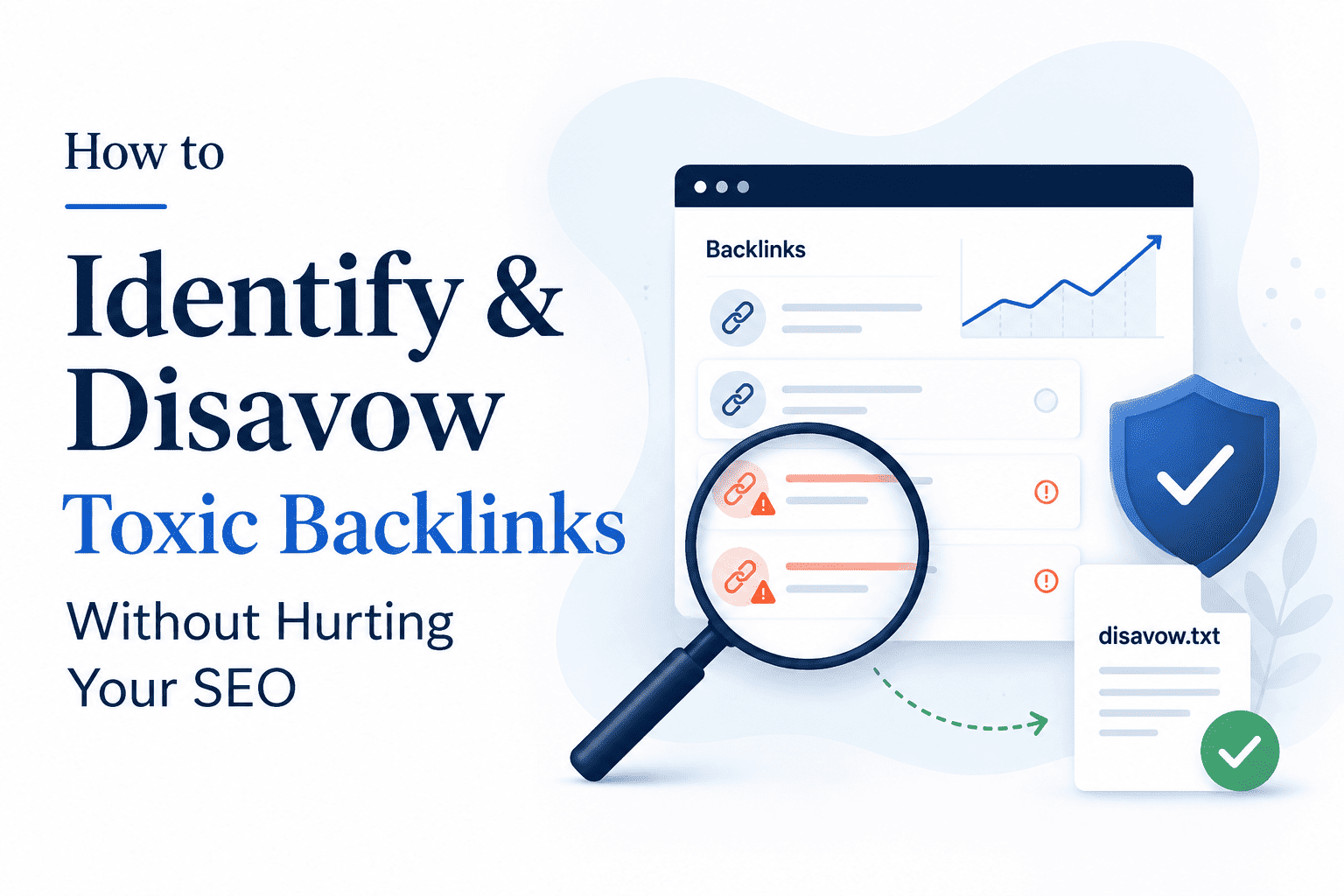


Acquiring high-authority backlinks is crucial for improving organic rankings, but managing bad links is equally important for maintaining search visibility. Accumulating toxic backlinks can damage your domain's trust score and, in severe cases, lead to Google penalties.
However, using Google's Disavow Tool incorrectly can accidentally strip away valid domain authority and tank your search rankings.
This guide explains how to identify true toxic backlinks using concrete metrics, construct a disavow file safely, and rebuild lost equity without risking your domain's health.
What Are Toxic Backlinks?
A toxic backlink is an inbound link that Google considers artificial, manipulative, or deceptive. These links violate Google's Webmaster Guidelines and can result in rank suppression or manual spam actions.
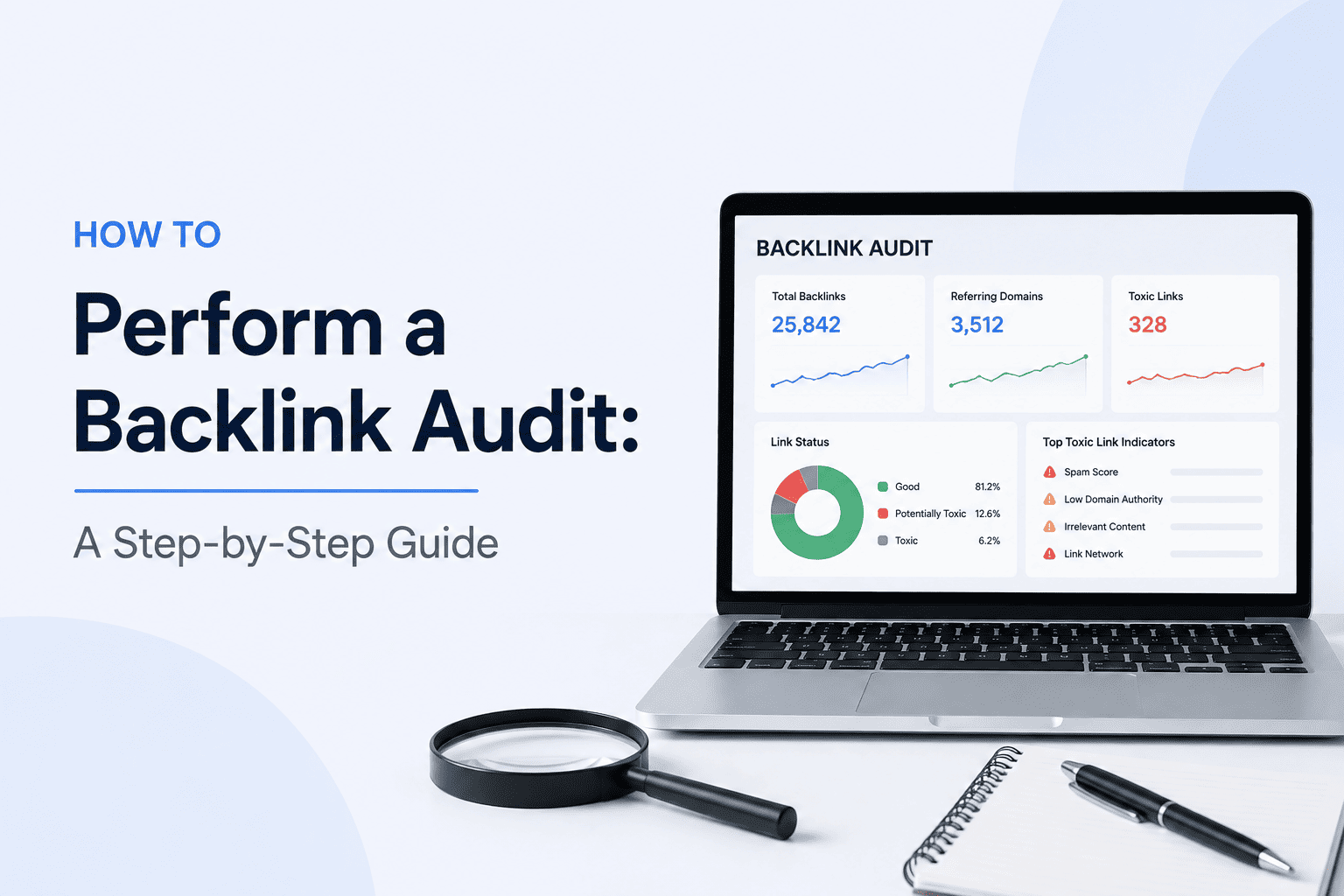
| Link Profile Area | Safe / Healthy | Toxic Red Flag |
|---|---|---|
| Organic Traffic | > 1,000 visits/mo | 0 monthly search visitors |
| Moz Spam Score | 0% – 5% | > 15% - 30%+ |
| Indexation Status | Actively Indexed | Completely de-indexed by Google |
| Relevance | Niche-Aligned | Un-themed (Casino/PBN/Adult) |
Common sources of toxic backlinks include:
Automated Link Networks (PBNs): Low-quality sites created purely to sell backlinks.
Comment Spam Networks: Automated bot comments on foreign blogs containing commercial links.
De-Indexed Domains: Sites that have been penalized and removed from Google's search index.
Negative SEO Attacks: Coordinated attempts by competitors to blast your domain with low-tier web spam.
For instructions on conducting a full domain evaluation before disavowing, read our step-by-step guide:
Good to know
“Toxic backlink” is an SEO-industry term, not a formal Google classification. A suspicious link becomes more concerning when it is part of a manipulative pattern, was intentionally acquired to influence rankings, or is connected to a known link scheme.
- Do not classify a backlink as toxic solely because the referring site has low traffic.
- Treat Moz Spam Score and similar third-party metrics as warning signals, not proof of a Google penalty.
- Investigate de-indexed domains carefully, but do not assume every missing page or site has been penalized.
- Flag links from obvious link networks, automated spam, or irrelevant commercial placements for deeper review.
- Separate unsolicited scraper and comment-spam links from backlinks you intentionally built or purchased.
- Look for patterns across domains, anchors, placement types, and acquisition history.
- Prioritize manual review before removing or disavowing links.
Best strategy: pattern-based analysis + multiple quality signals + acquisition-history review + cautious classification.
When Should You Use Google's Disavow Tool?
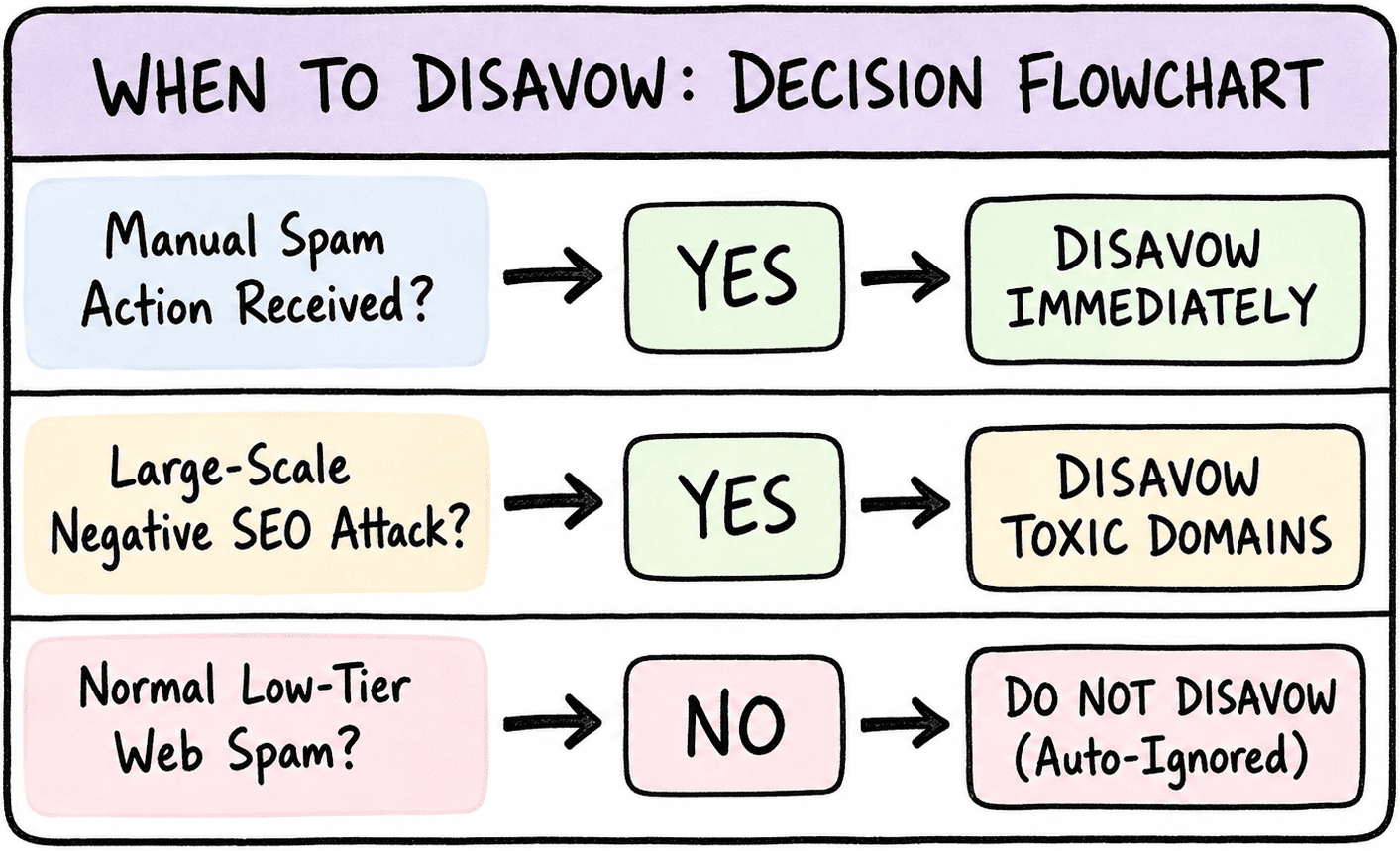
Google explicitly advises site owners to use the Disavow Tool conservatively.
"You should disavow backlinks only if you have a substantial number of spammy, artificial, or low-quality links pointing to your site, AND the links have caused a manual action, or are likely to cause a manual action on your site." — Google Search Central Guidelines
Do NOT Disavow If:
You notice random scraper or bot links (Google automatically ignores these).
The linking site has a low Domain Rating (DR) but still receives active organic traffic.
You are relying purely on automated SEO tool "toxicity scores" without manual verification.
Good to know
Google’s Disavow Tool is a specialized cleanup measure, not a standard part of every backlink audit. Most sites should avoid using it unless there is strong evidence that manipulative links are creating a real risk.
- Do not disavow links simply because they come from low-authority or unfamiliar domains.
- Treat automated “toxicity” scores as screening signals, not final decisions.
- Ignore isolated scraper, bot, or low-quality links unless they form part of a broader manipulative pattern.
- Investigate whether suspicious links were intentionally built, purchased, or exchanged.
- Check Google Search Console for manual-action warnings before taking aggressive cleanup steps.
- Document the domains and reasoning behind every disavow decision.
- Review disavow files carefully, because removing the wrong links can discard legitimate ranking signals.
Best strategy: manual verification + evidence-based decisions + conservative disavow use + documented cleanup.
How to Format and Submit a Disavow File
If a manual audit confirms that you must disavow toxic domains, follow this strict formatting guide to ensure Google processes your file correctly.
1. File Formatting Standard
File Type: Plain text file (
.txt).Encoding: UTF-8 or 7-bit ASCII.
Syntax: List one domain or URL per line. Comments must start with a
#symbol.
2. Sample Disavow File Code
# Manual action recovery - Disavowing toxic spam networks
domain:toxic-pbn-network.com
domain:bad-directory-spam.net
domain:hacked-comment-spam.org

# Disavow single page URL if necessary
https://example.com/spam-comment-page.html
Pro Tip: Always disavow using the
domain:directive (domain:spamsite.com) rather than individual URLs. This blocks all subdomains (blog.spamsite.com), HTTP/HTTPS variations, and future pages automatically.
3. Uploading to Google Search Console
Visit the official Google Search Console Disavow Tool.
Select your verified website property from the dropdown menu.
Click Upload Disavow List and select your
.txtfile.
Good to know
A disavow file is simple in structure but potentially broad in impact. Google accepts individual URLs or entire domains, so every entry should be manually verified before upload.
- Use a plain
.txtfile encoded in UTF-8 or 7-bit ASCII.- Place only one URL or
domain:entry on each line.- Start optional comments with
#; Google ignores those lines during processing.- Use
domain:example.comonly when you intend to disavow links from the entire domain.- Prefer individual URL entries when the problem is limited to a specific page.
- Review the file carefully before upload, because submitting a new list replaces the existing list for that property.
- Keep a dated backup of every submitted version for future audits and reversals.
Best strategy: precise formatting + narrow targeting + manual verification + versioned backups.
Rebuilding Authority After Disavowing
Disavowing toxic backlinks removes their influence from your link profile. However, if those links were previously passing PageRank, your site may experience a temporary dip in total link equity.
To recover lost authority safely, focus on acquiring high-quality, non-reciprocal backlinks:
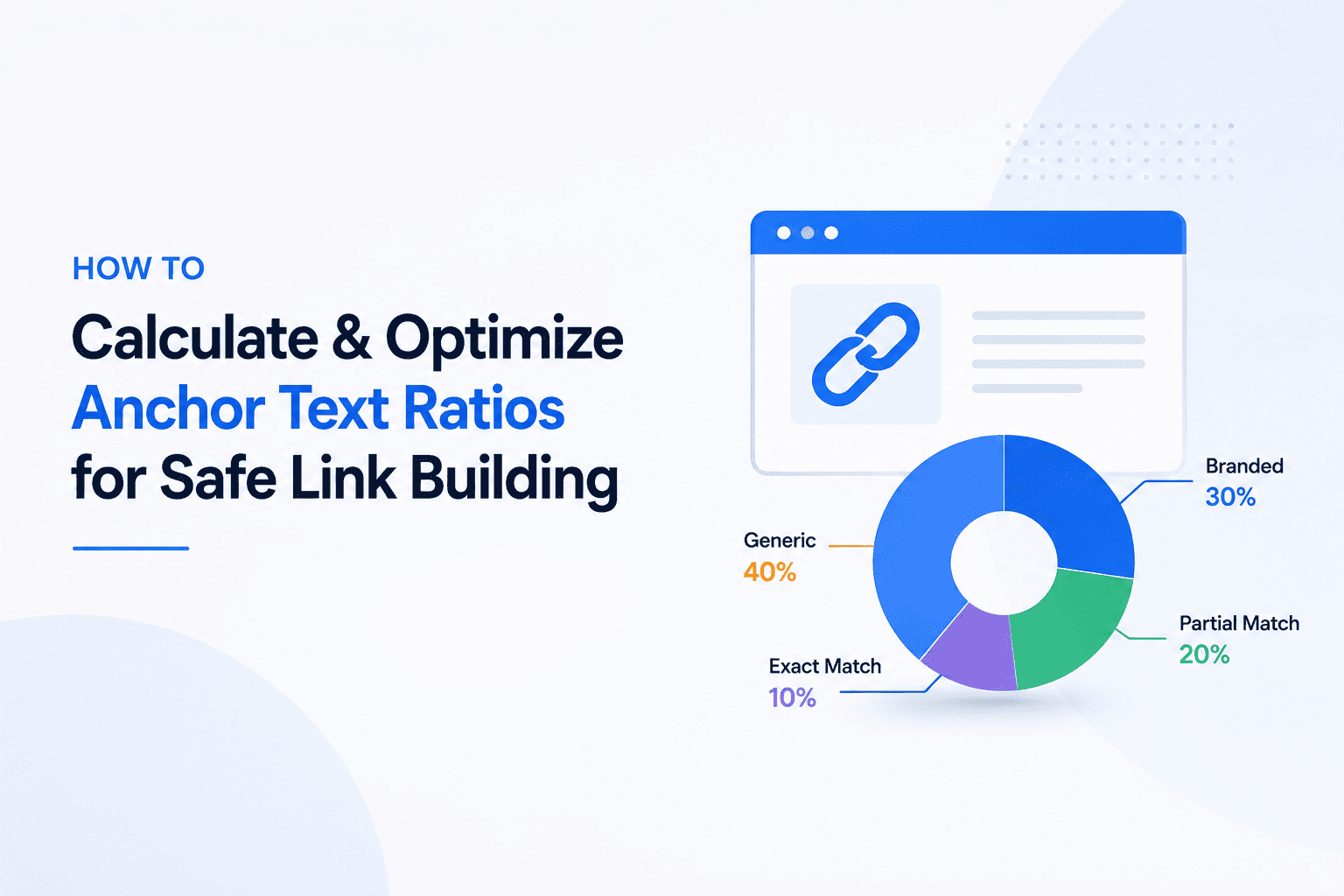
Rebalance Anchor Text: Ensure exact-match commercial anchors stay strictly under 10% to prevent triggering over-optimization filters. See our guide on:
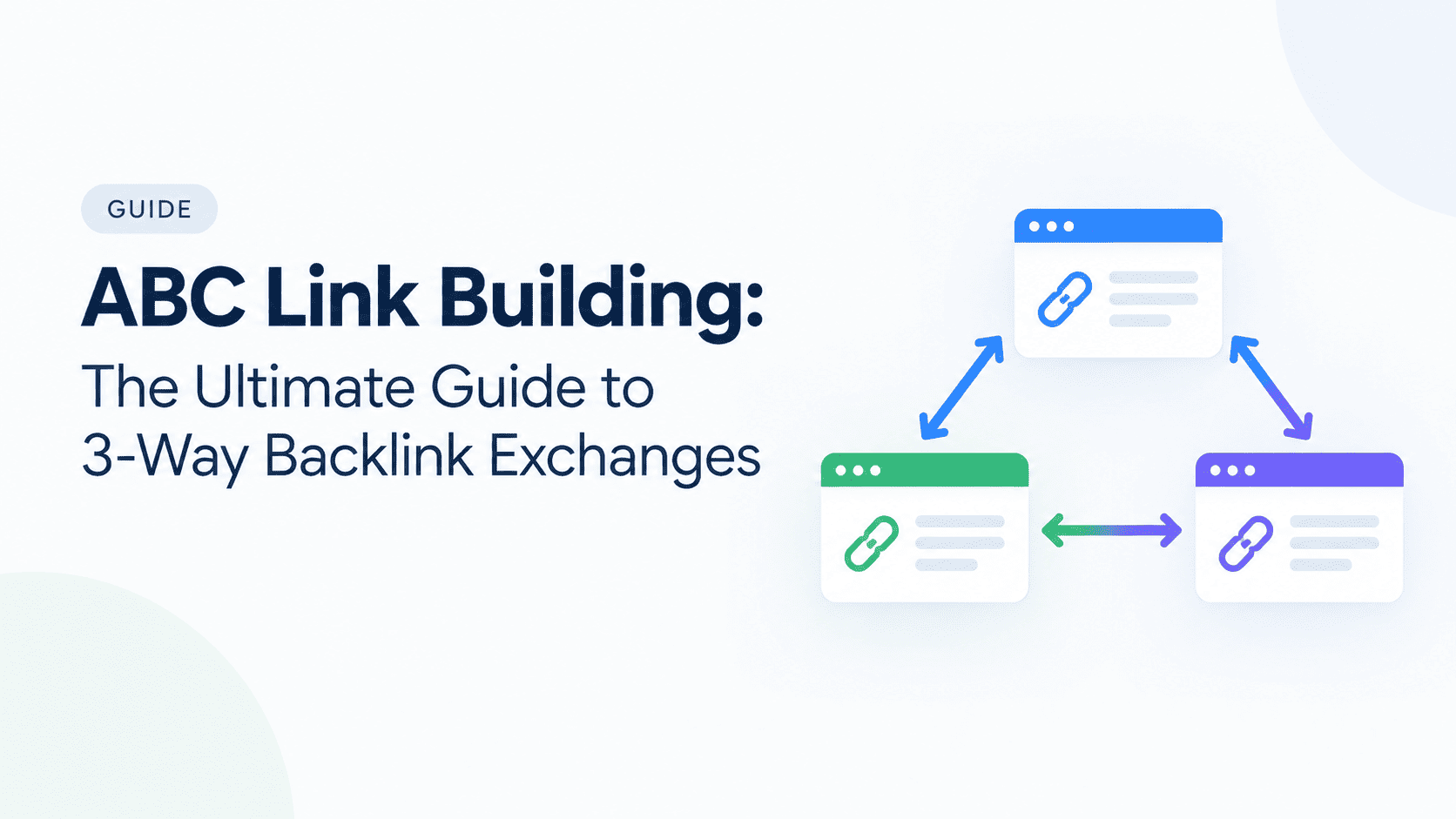
Execute Non-Reciprocal 3-Way Exchanges: Trade contextual backlinks with vetted, niche-relevant partners using ABC link building (A → B → C → A). Read our core pillar:
Deploy SaaS & B2B Growth Tactics: Create integration hubs and linkable assets to drive safe domain equity. Review our strategy breakdown:
Using automated platforms like BacklinkExchange.org lets you replace disavowed equity effortlessly by connecting you with verified, traffic-checked sites for secure 3-way link trades.